Library & Organisation
Manage your music with precision. This section covers how Eclipse helps you organize, tag, and share your collection.
Playlists
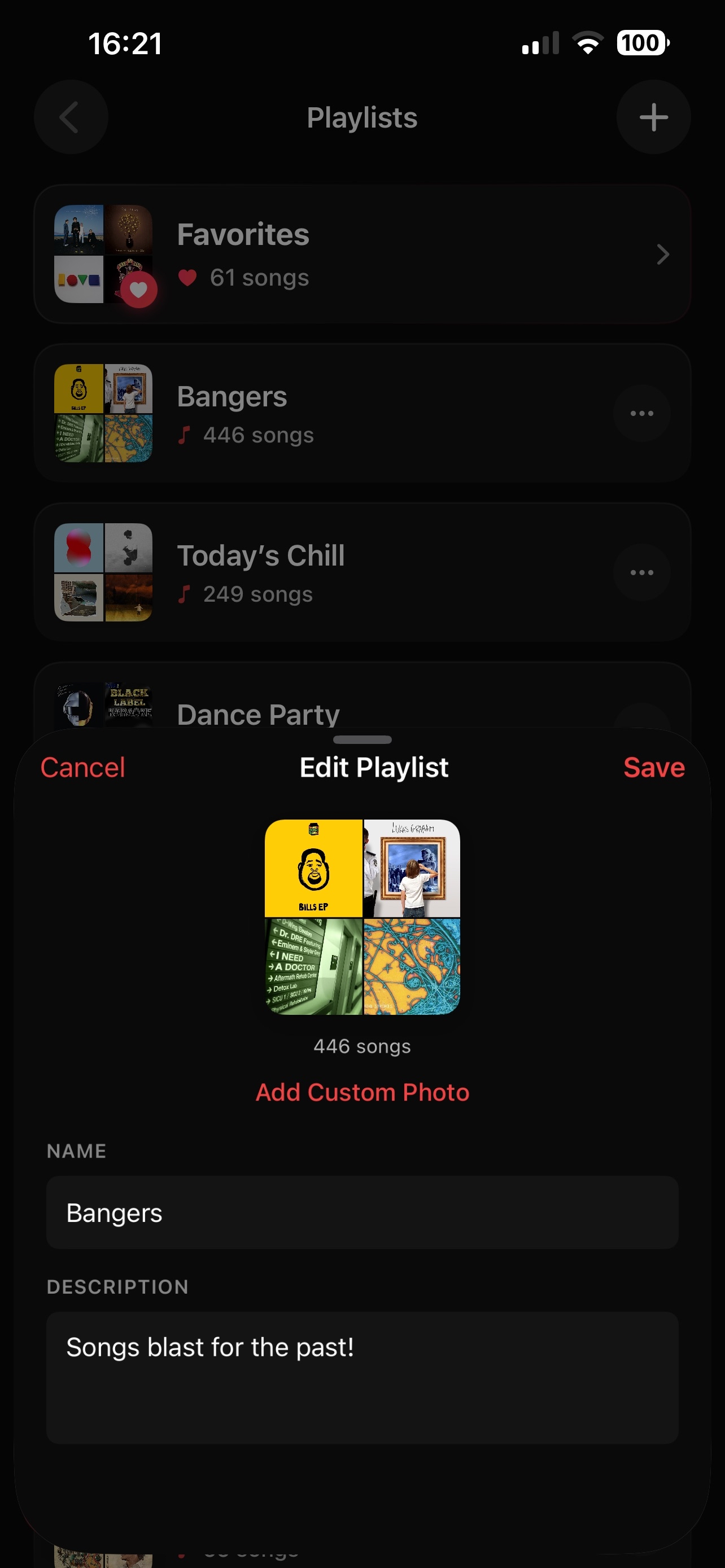
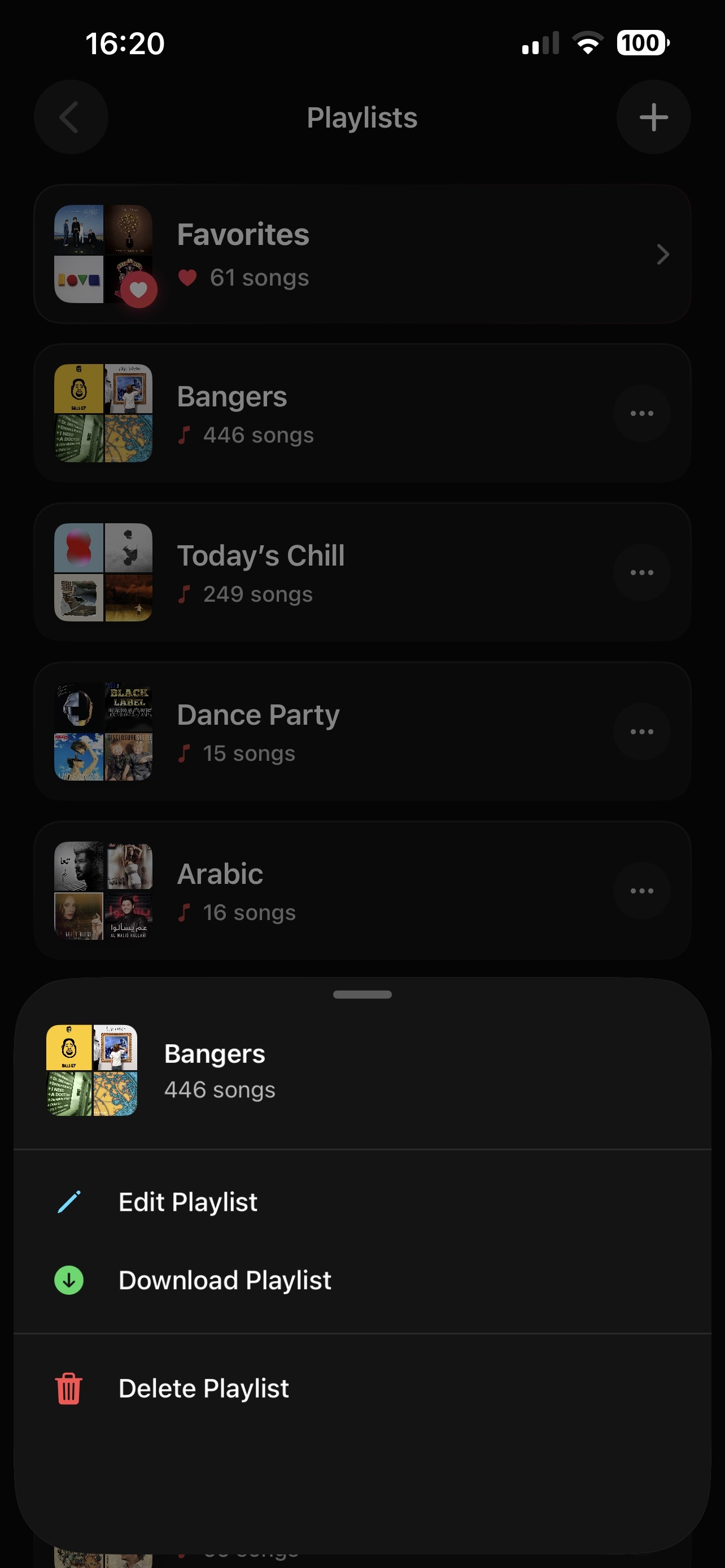
Create and manage your playlists with custom names and high-resolution cover art.
Playlist Import
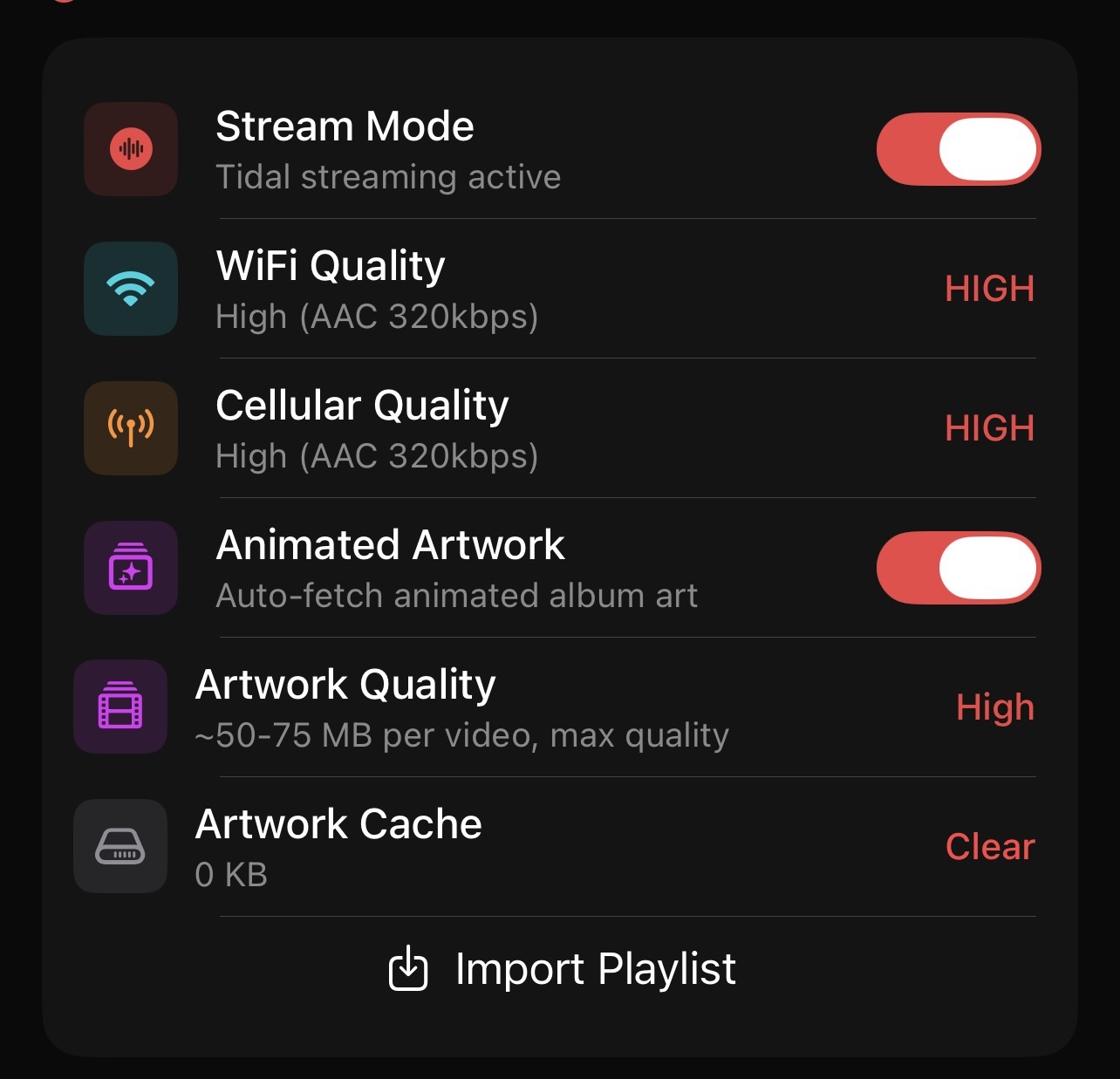
Easily import your existing Spotify, Apple Music, or YT Music playlists directly into Eclipse.
Favorites & Quick Mix
- Favorites: Tap the heart icon on any track to add it to your Favorites.
- Quick Mix: Instantly play and shuffle tracks from your Debrid library with a single tap.
Metadata Management
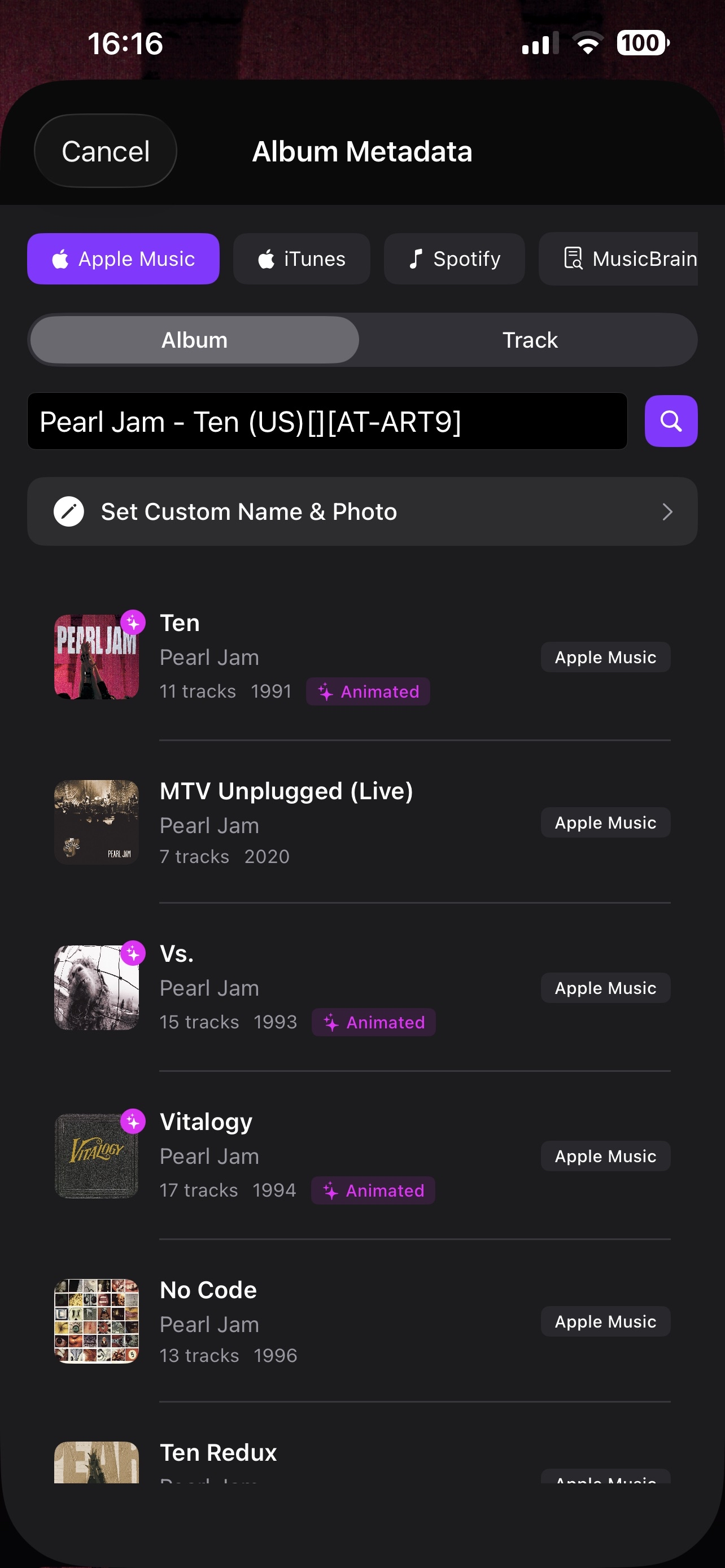
Edit & Extract Metadata
Manually search for metadata or pull tags (track names, high-res art) directly from your files.
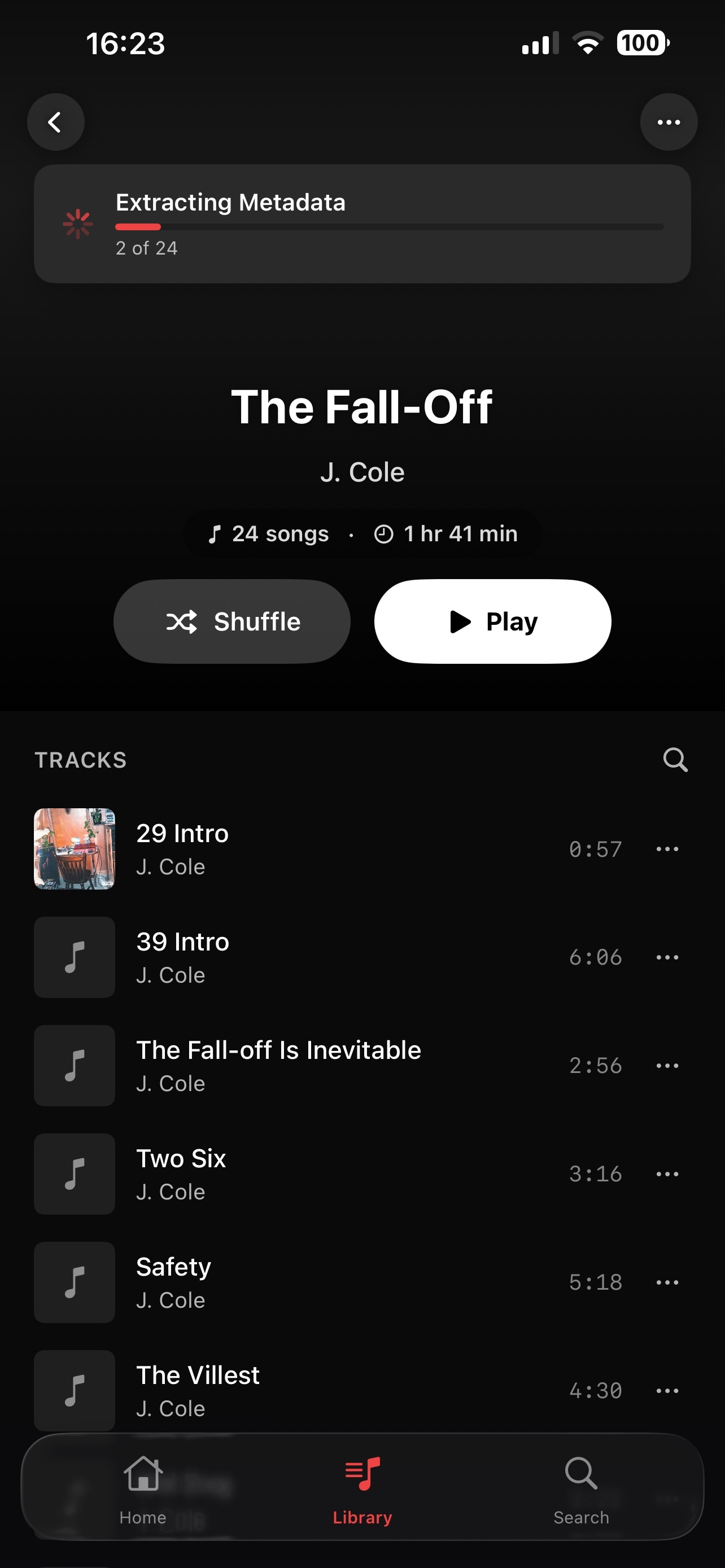
Auto Extract
Eclipse automatically handles new tracks as they are added, saving you the manual work.
Multi-selection & Sharing
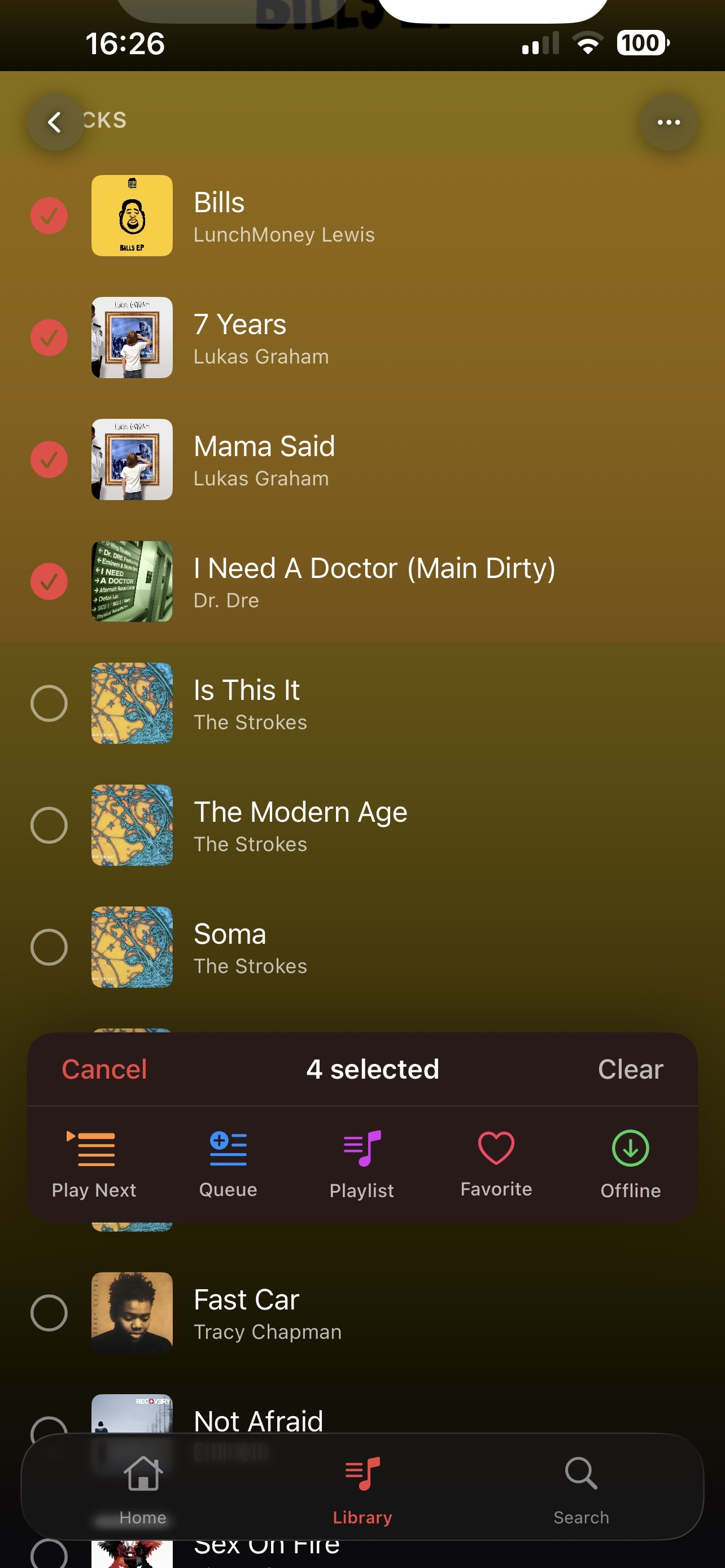
- Multi-select: Group, Favorite, or add multiple tracks to a playlist at once.
- Share Track: Exchange music with fellow Eclipse users for easy importing.
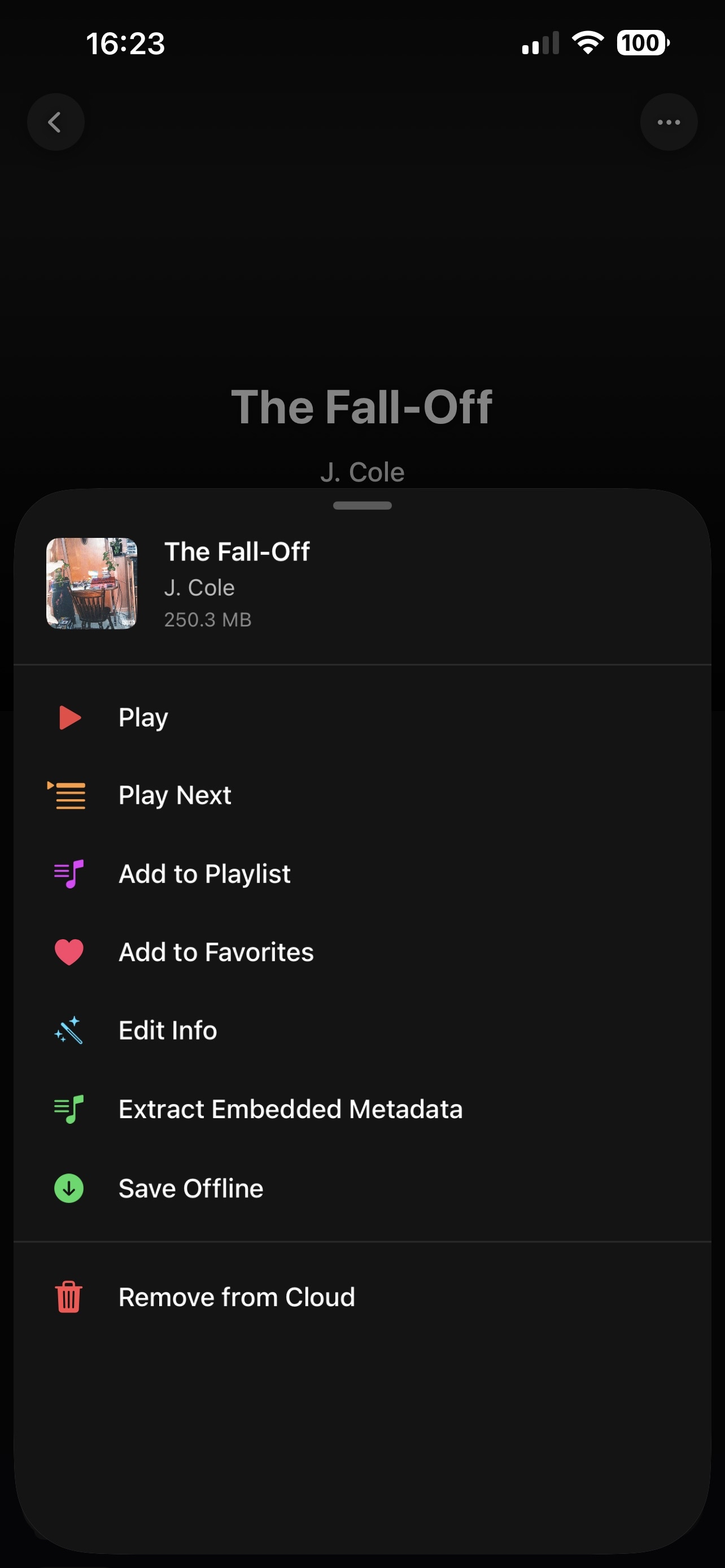
:::tip Setup If metadata looks incorrect, try the Extract Embedded Metadata tool to refresh the information from the source file! :::